
AbhiPOSS Help & Documentation
Getting Started
Welcome to AbhiPOSS! This guide will help you set up your POS system, add users, and configure your first outlet. For a quick start, see the Request Demo page.
Offline & Optional Cloud Sync
- AbhiPOSS is built to continue billing and operations during internet disruptions.
- When connectivity is available, data can be synchronized across supported deployments.
- Use export/import or sync workflows based on your rollout model and platform.
Billing
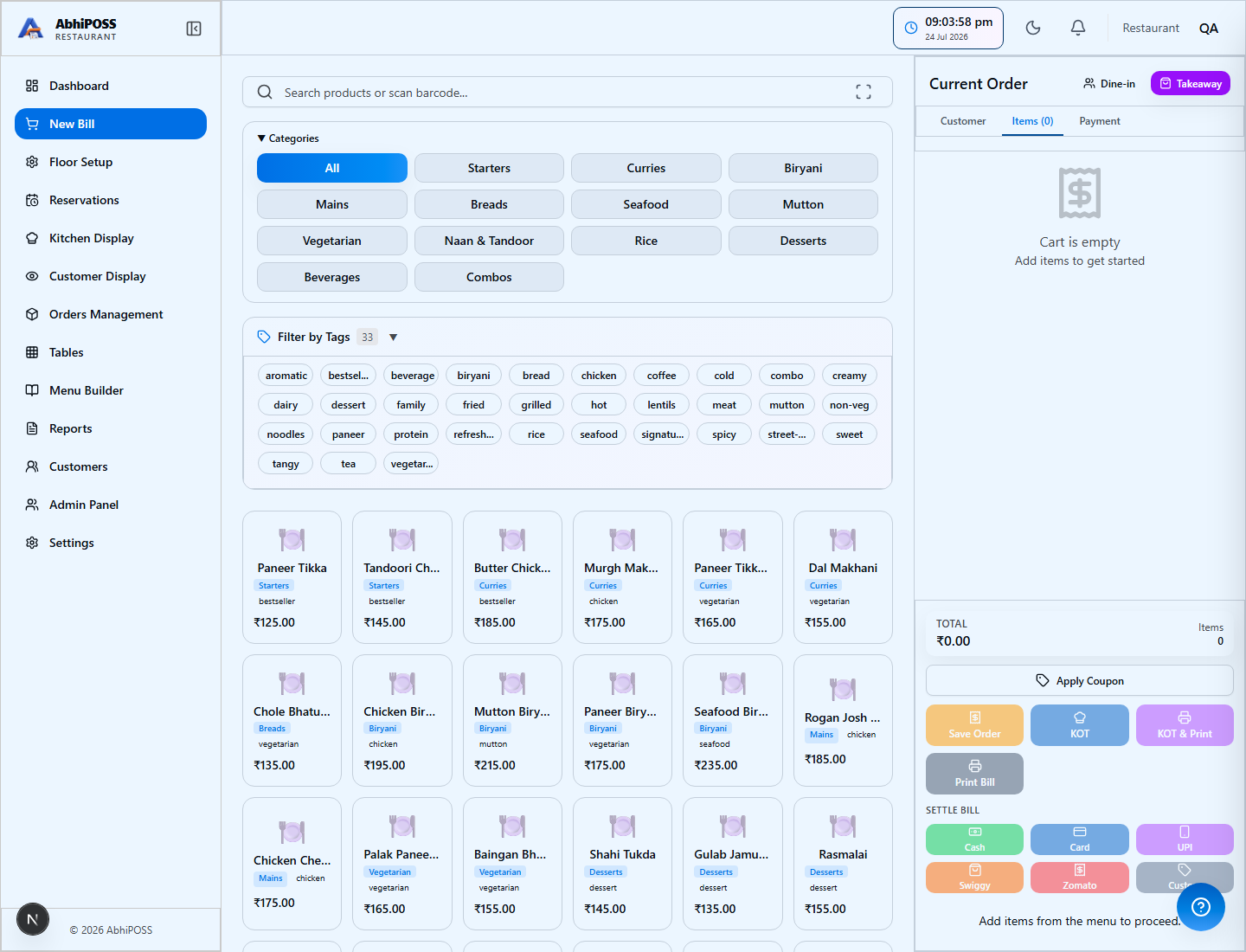
- How to create a new bill/invoice
- Applying discounts and offers
- Handling returns and refunds
- Managing customer details at checkout
Inventory
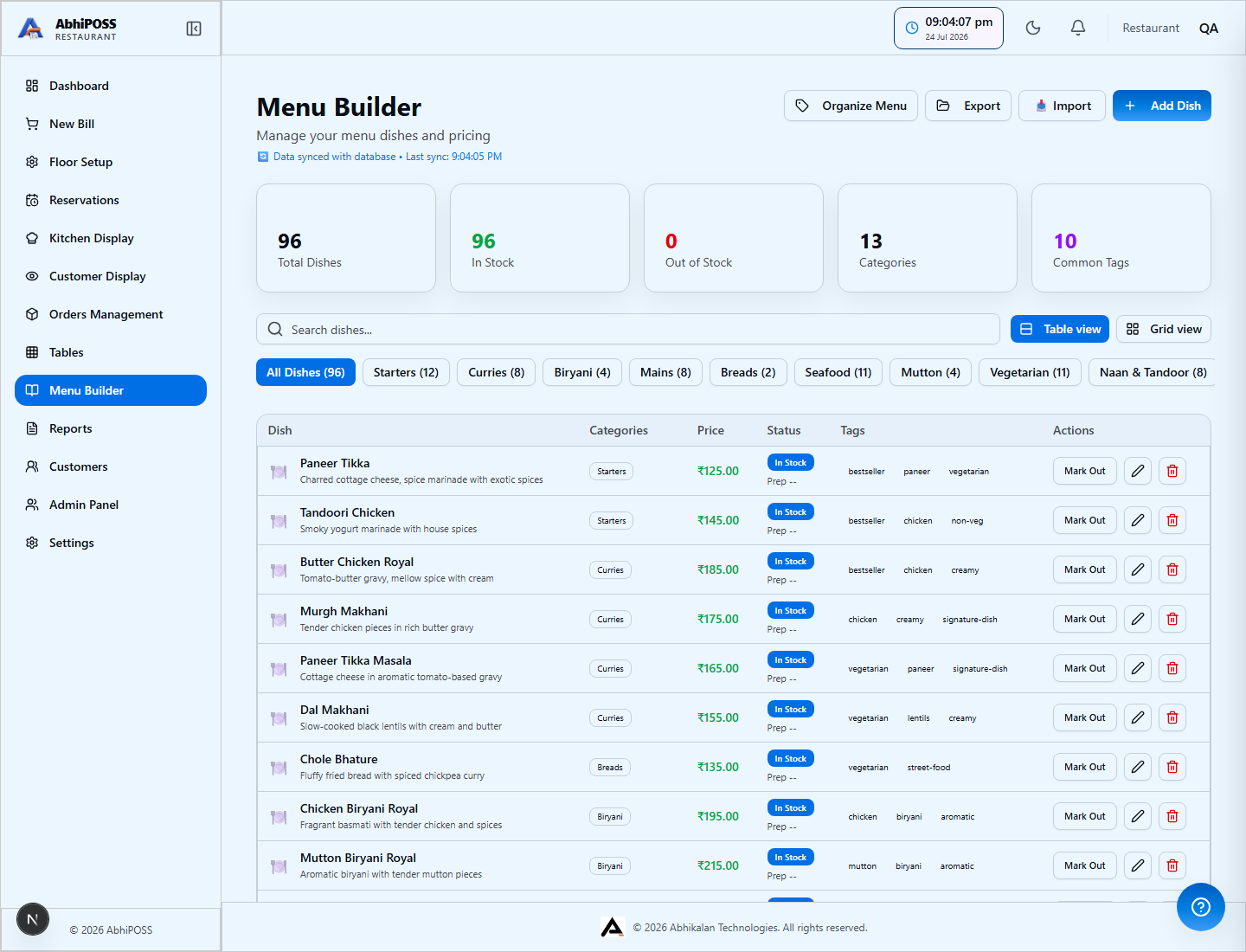
- Adding and updating products
- Stock in/out and adjustments
- Low stock alerts and reorder logic
- Barcode and SKU management
Reports
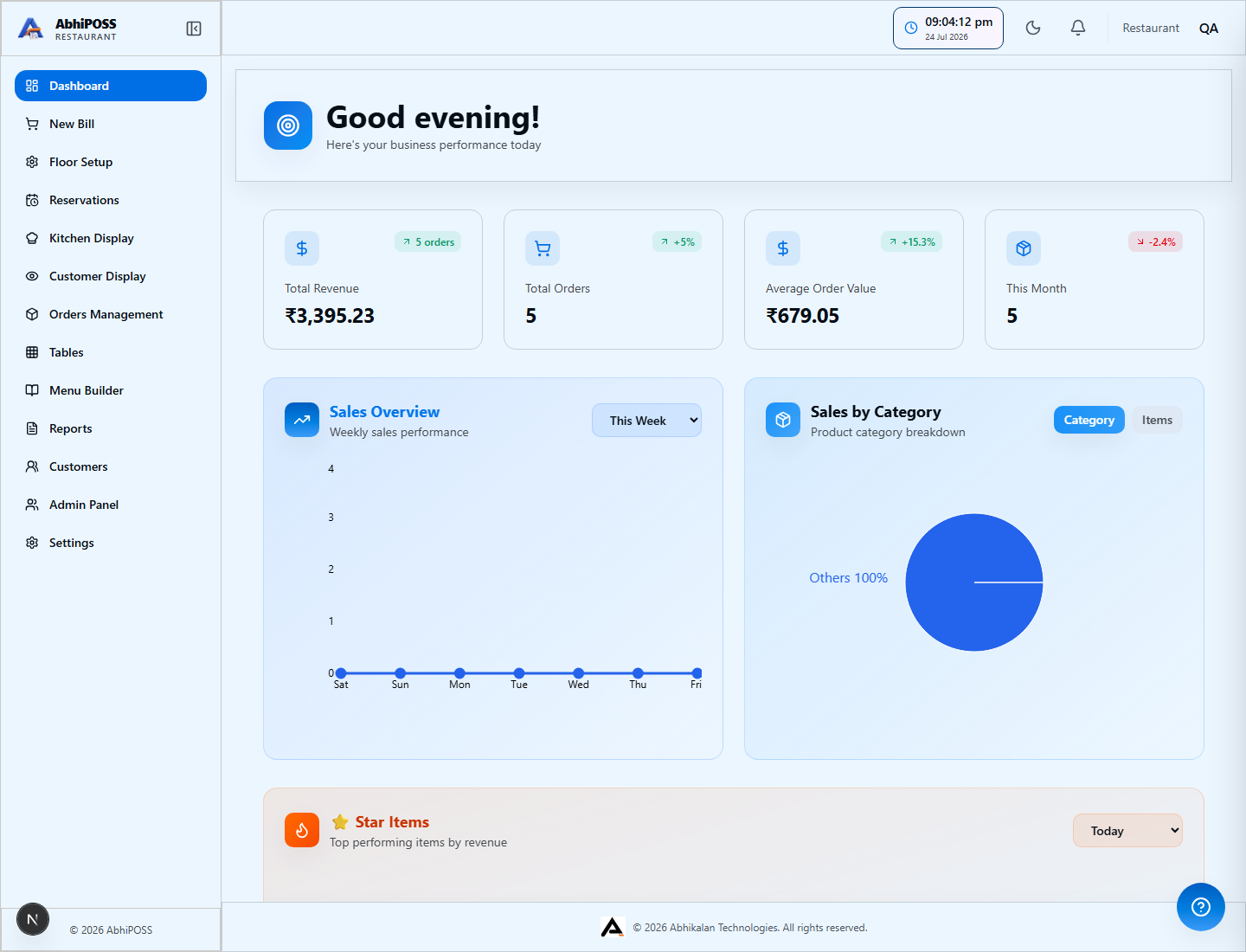
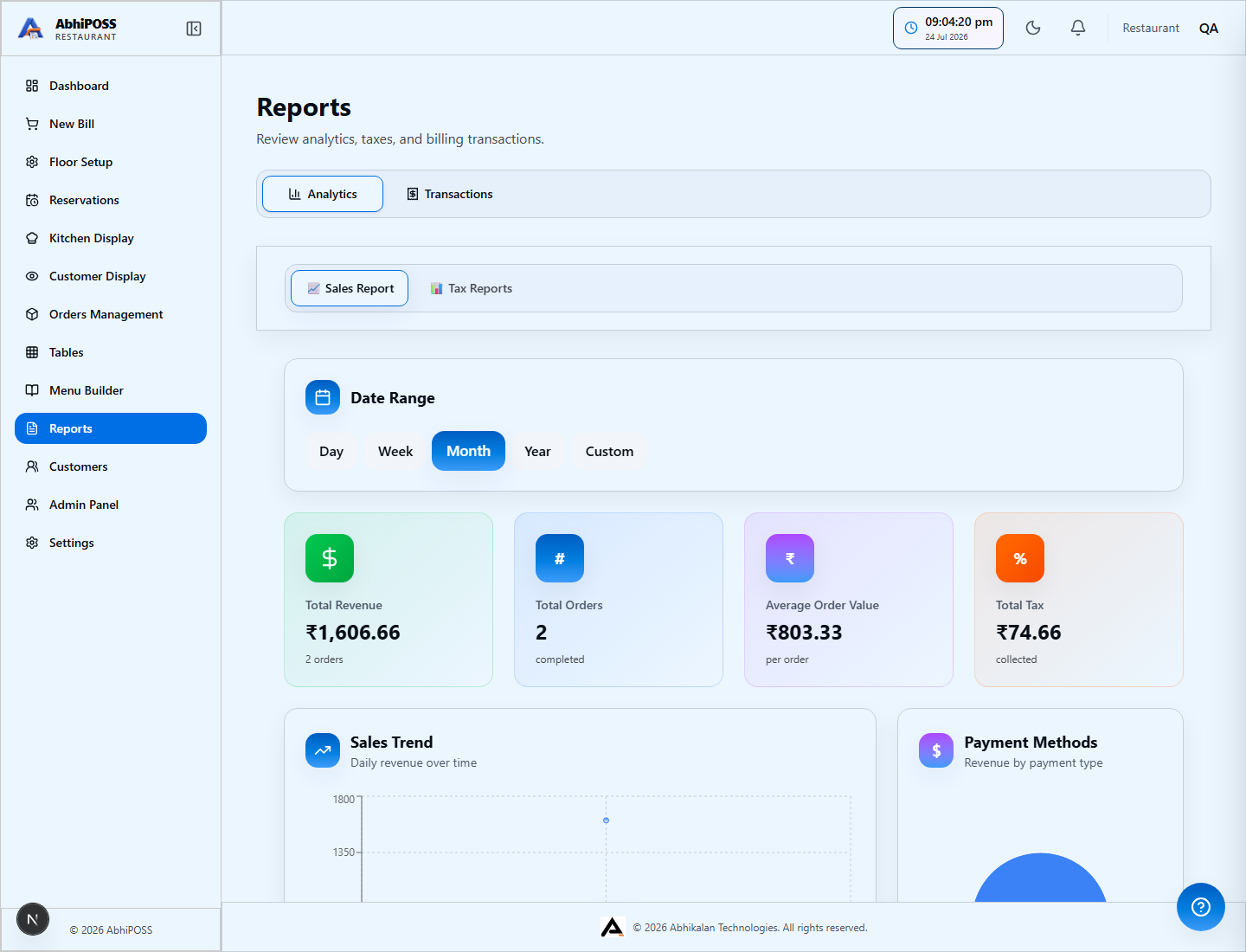
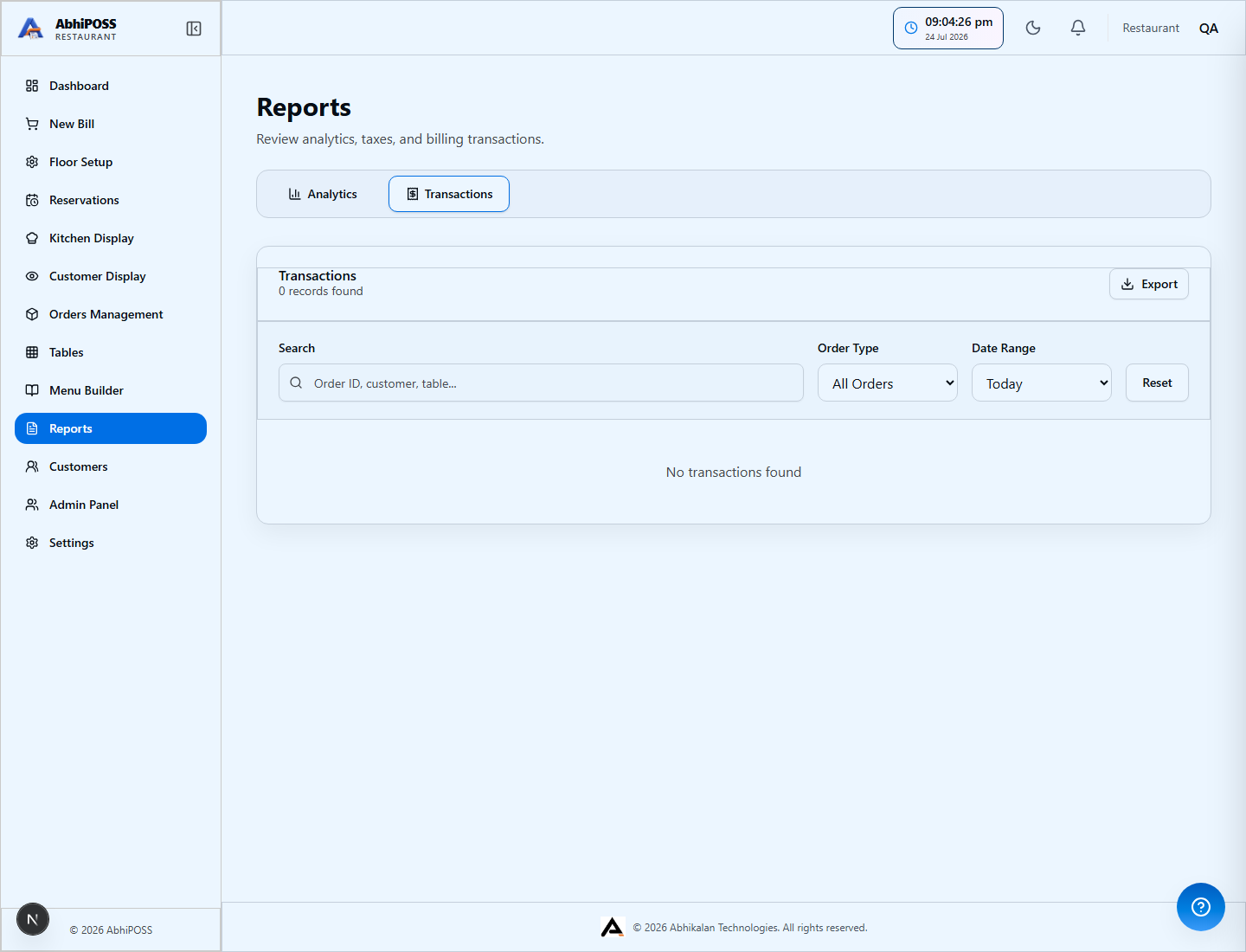
- Sales and revenue reports
- Inventory and stock movement reports
- Outlet and user performance analytics
Printing
- Supported printers and setup
- Customizing receipt templates
- Troubleshooting print issues
Troubleshooting
- Common login and optional sync issues
- Resolving device connectivity problems
- How to reset your password
Frequently Asked Questions
- How do I add a new outlet?
- Can I use AbhiPOSS offline?
- How do I export my data?
Contact Support
Need more help? Contact our support team for personalized assistance.